


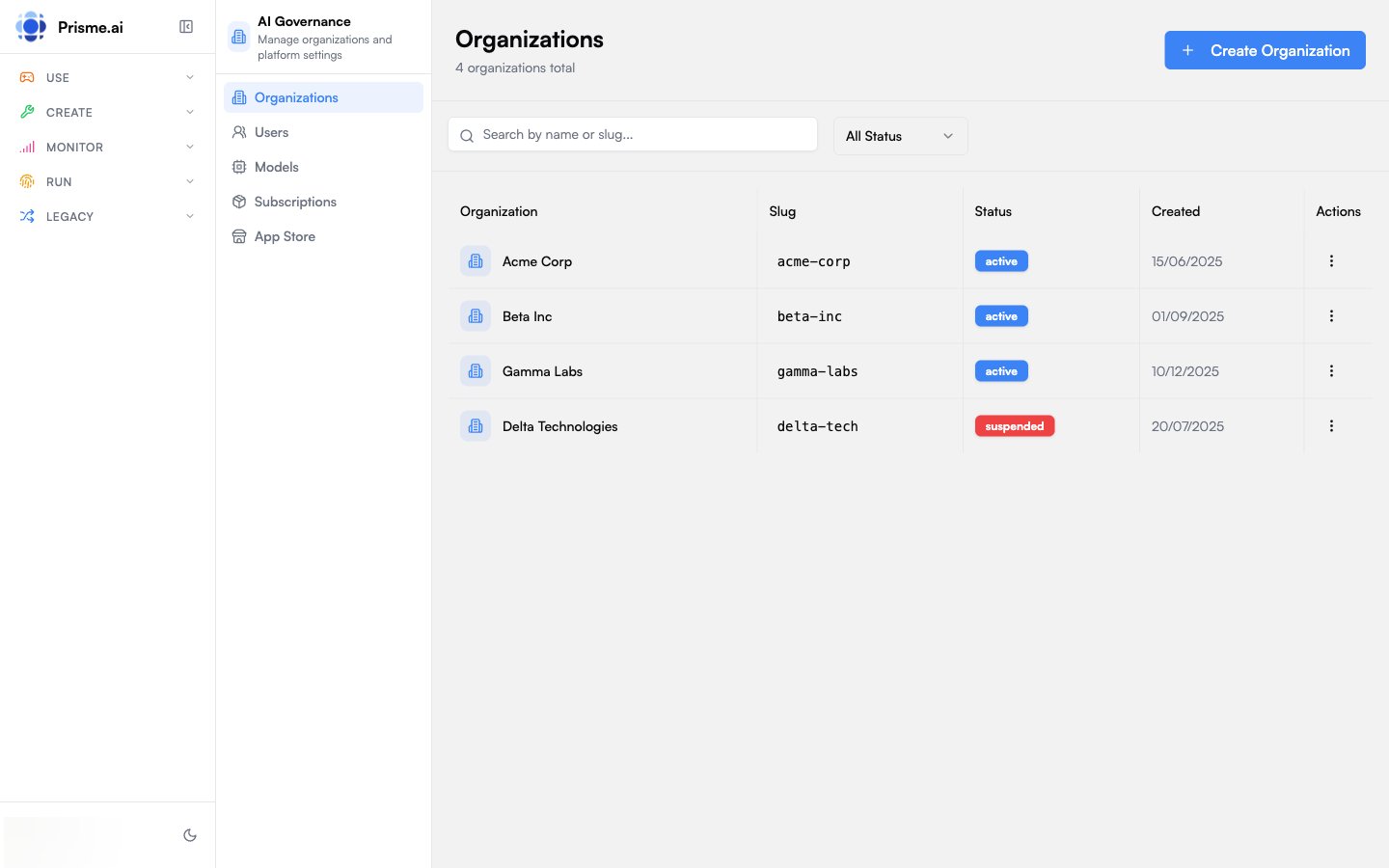
Video Tour: Governance
This video is currently available in French.
Key Concepts
Organizations
An Organization is the primary tenant unit in Prisme.ai. Each organization contains:- Members with assigned roles
- Groups for bulk member management
- Roles defining permissions
- API Keys for programmatic access
- Service Accounts for machine-to-machine authentication
- Subscriptions with usage quotas
Two Administration Levels
Governe serves two distinct user groups:Features at a Glance
Identity & Access
Members, groups, roles, permissions, SSO, and join rules
Model Governance
Control which AI models are available, set usage policies, and manage per-agent controls, knowledge storage, and data retention
Capabilities Catalog
Manage MCP servers, tools, guardrails, and skills
Observability
Org-wide platform operations and LLM costs; per-workspace deep-dive in Builder
API Keys & Service Accounts
Programmatic access with scoped permissions
Quotas & Subscriptions
Usage limits, rate controls, and billing tiers
Branding & Navigation
Customize appearance, logos, and menu structure
Audit Logs
Track all administrative actions for compliance
Navigation Structure
When you open Governe, the sidebar shows organization sections:
Platform admins see additional sections for managing all organizations, users, models, and subscriptions.
Getting Started
1
Access Governe
Navigate to Apps > Governance from the platform sidebar, or go directly to
/apps/ai-governance.2
Select Your Organization
If you belong to multiple organizations, select the one you want to manage from the dropdown.
3
Review the Dashboard
The Overview page shows member count, role count, API keys, and usage quotas at a glance.
4
Configure Access
Start by setting up roles, inviting members, and configuring SSO if needed.
Who Uses Governe?
- IT Administrators
- AI Operations
- Security Teams
- Platform Admins
- Manage organization members and access
- Configure SSO with corporate identity providers
- Create API keys for integrations
- Monitor usage and enforce quotas
Next Steps
Identity & Access
Members, roles, groups, SSO, and permissions
Model Governance
Control AI model access and usage policies
Capabilities
MCP servers, tools, and guardrails catalog
Observability
Monitoring, metrics, and request tracing