

Home Screen
When you log in to Prisme.ai, you’ll land on the home screen, which serves as your central hub for Chat, agents, recent canvas, and product access.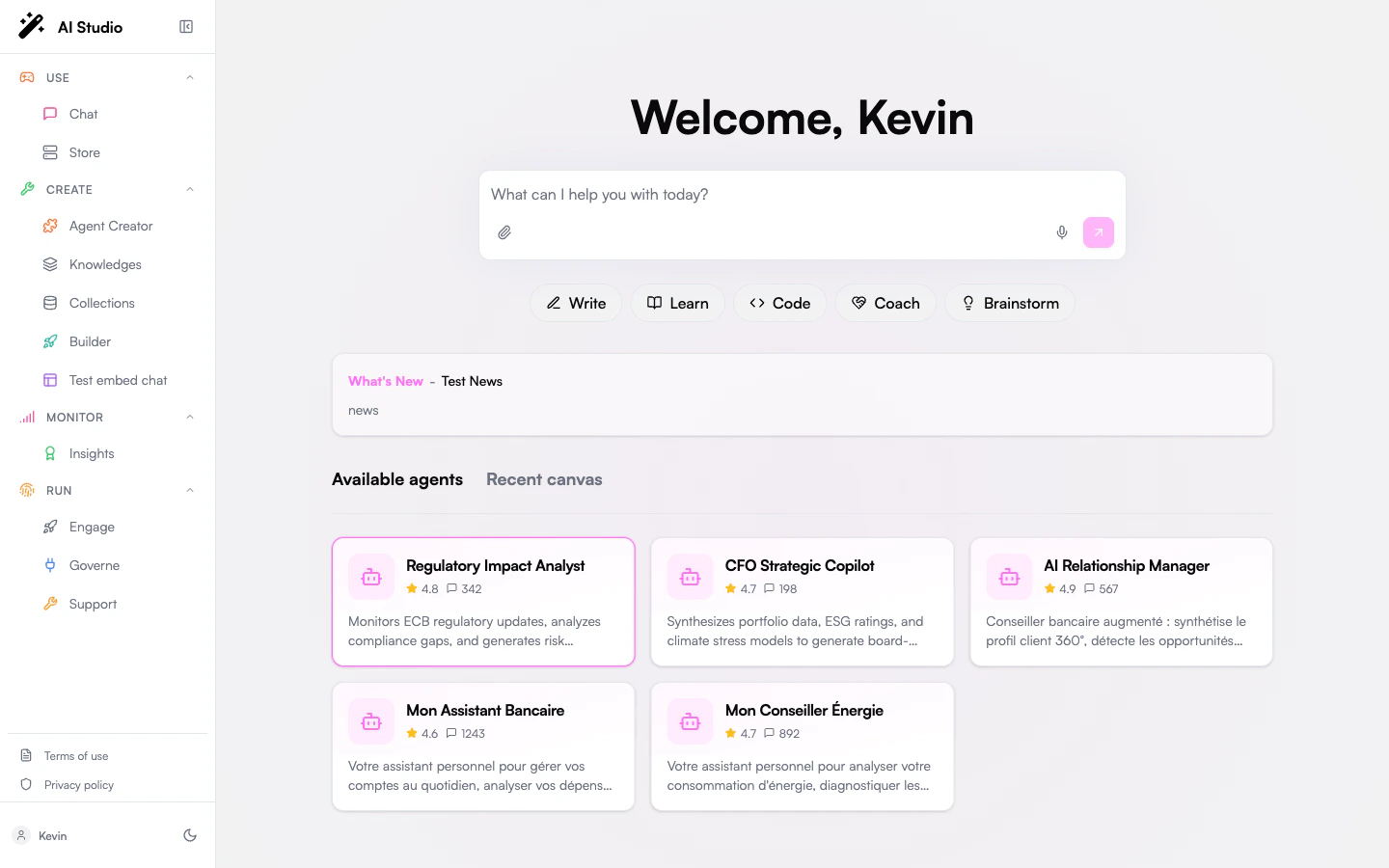
- Prompt Composer - Start a Chat request directly from the home screen
- Product Navigation - Access products depending on your role
- Available Agents - Open agents your organization has made available
- Recent Canvas - Return to recent canvas work
- What’s New - See highlighted platform updates
Navigation Structure
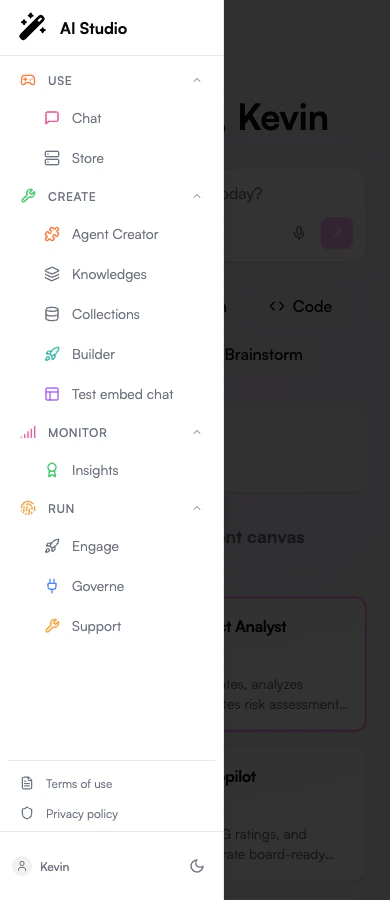
Prisme.ai’s navigation is organized into several key areas:Side Navigation Menu
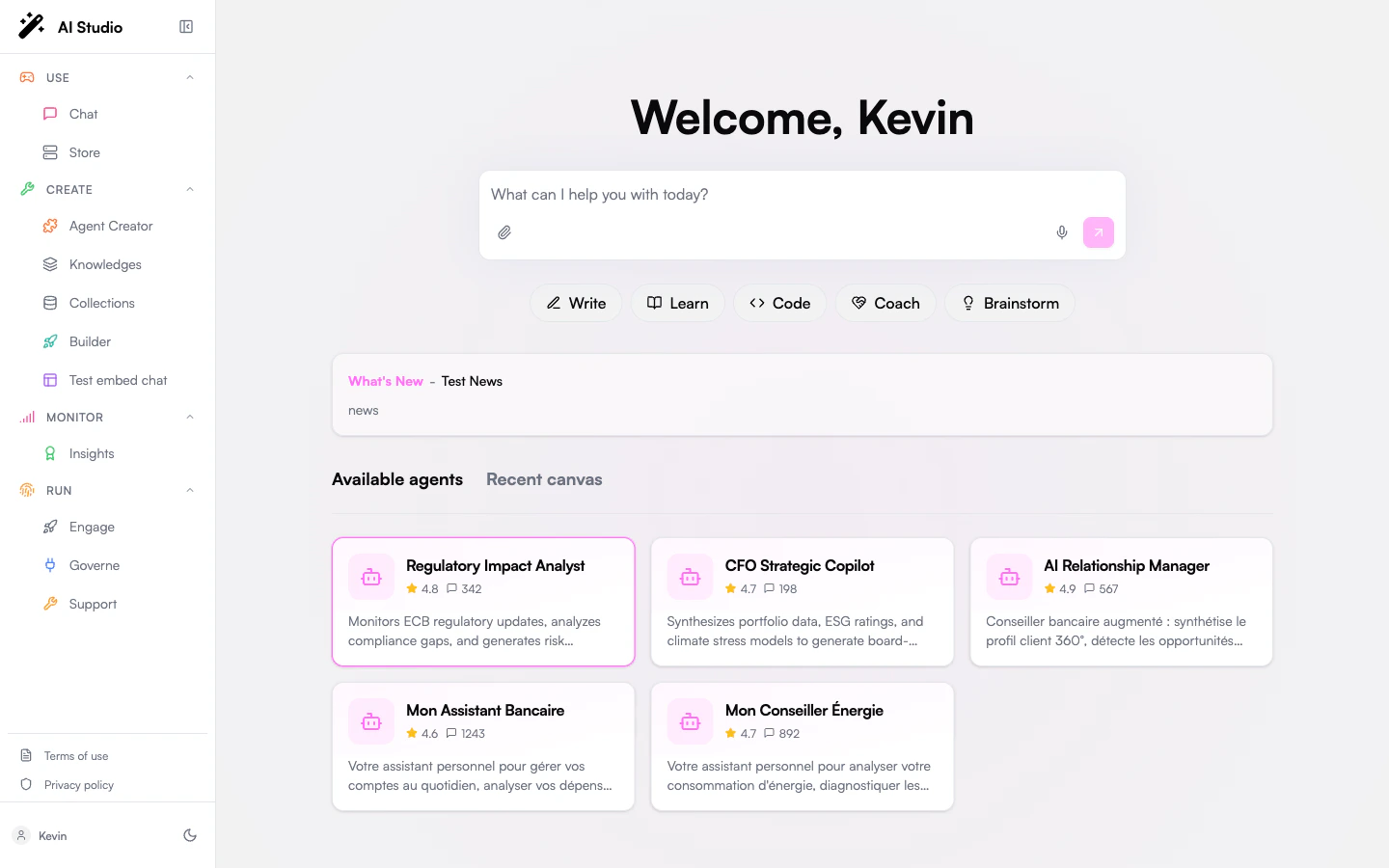
- Logo - Click to return to the home screen
- Use - Chat and Store experiences
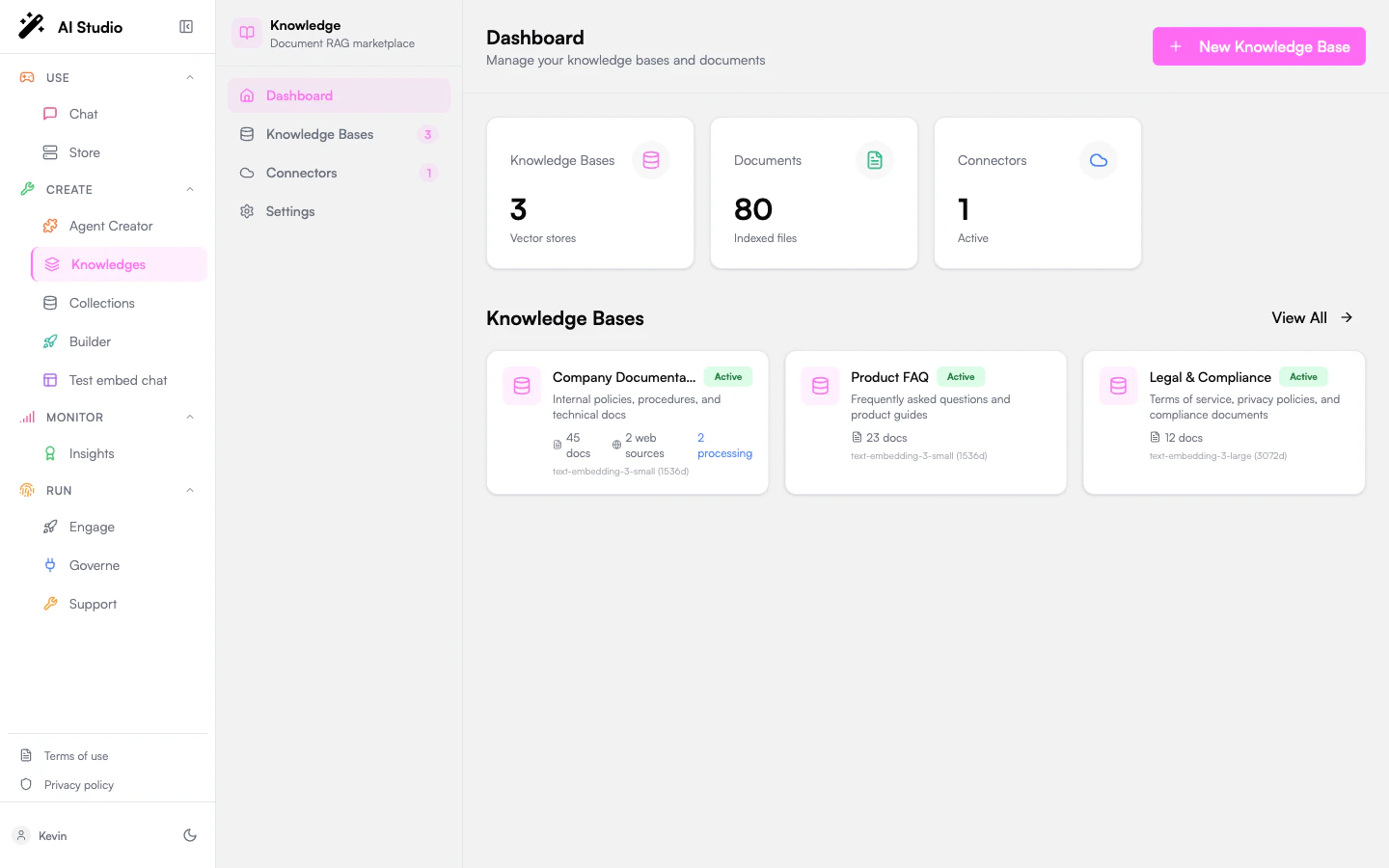
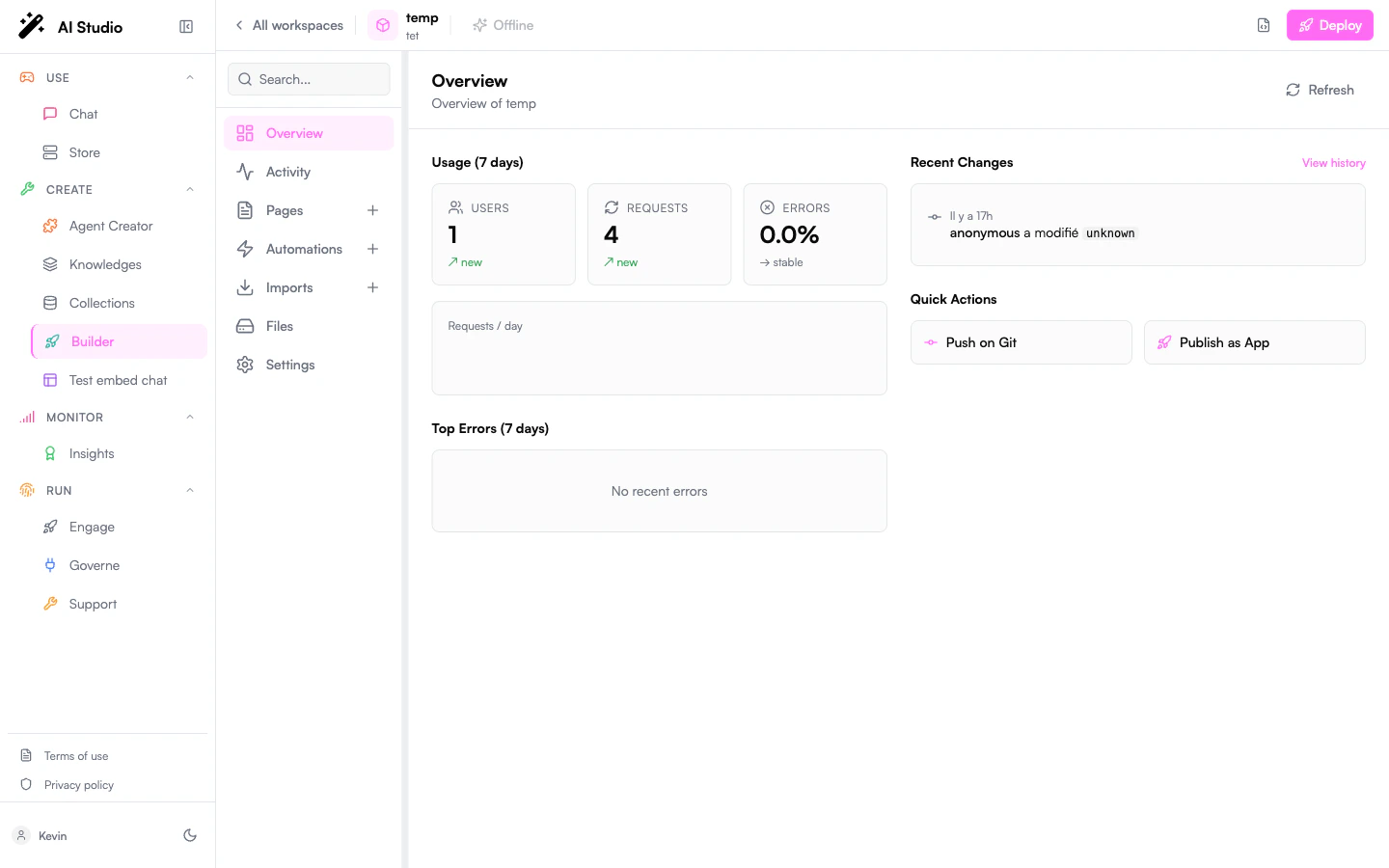
- Create - Agent Creator, Knowledges, Collections, Builder, and other creation tools
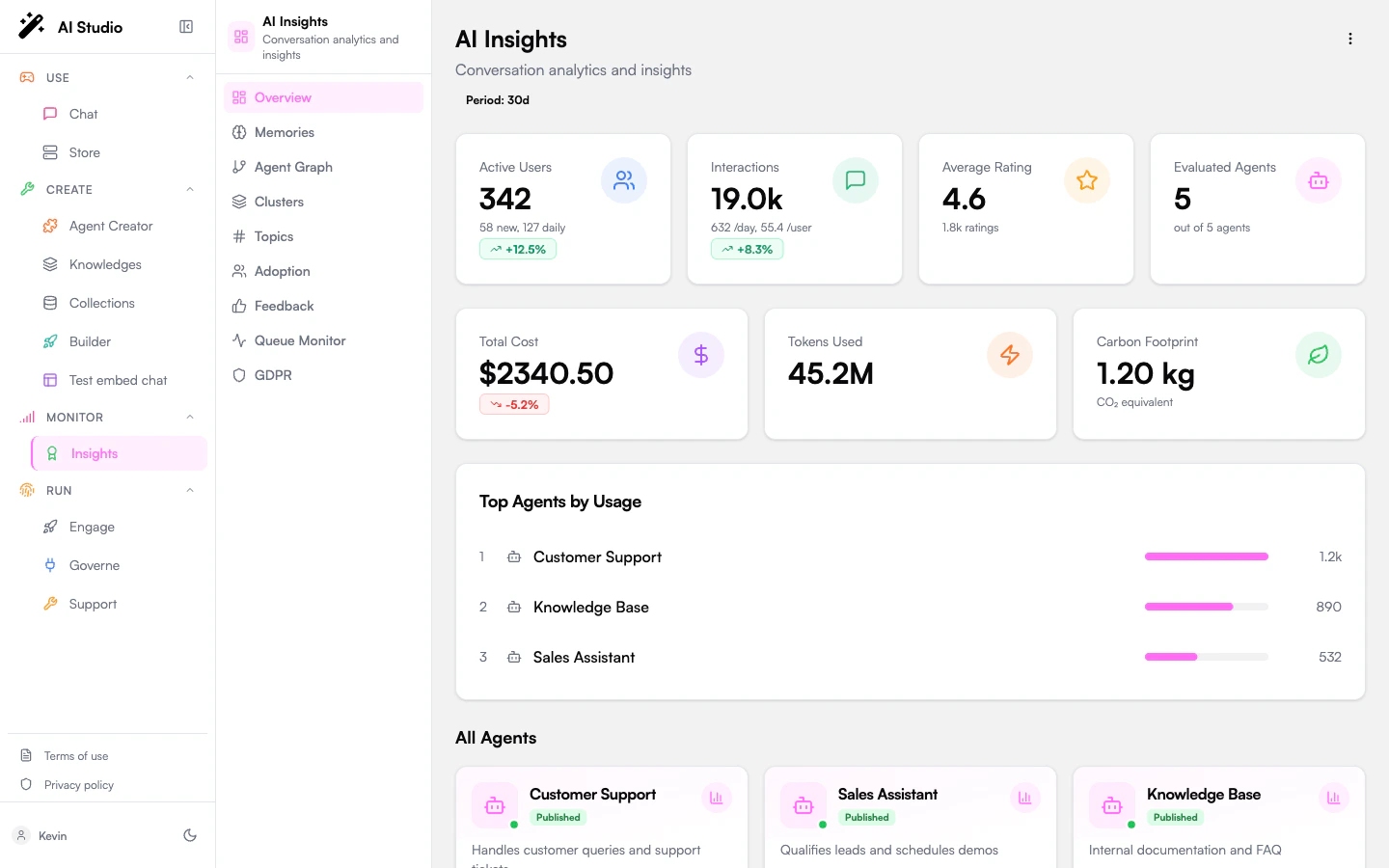
- Monitor - Insights and analytics products
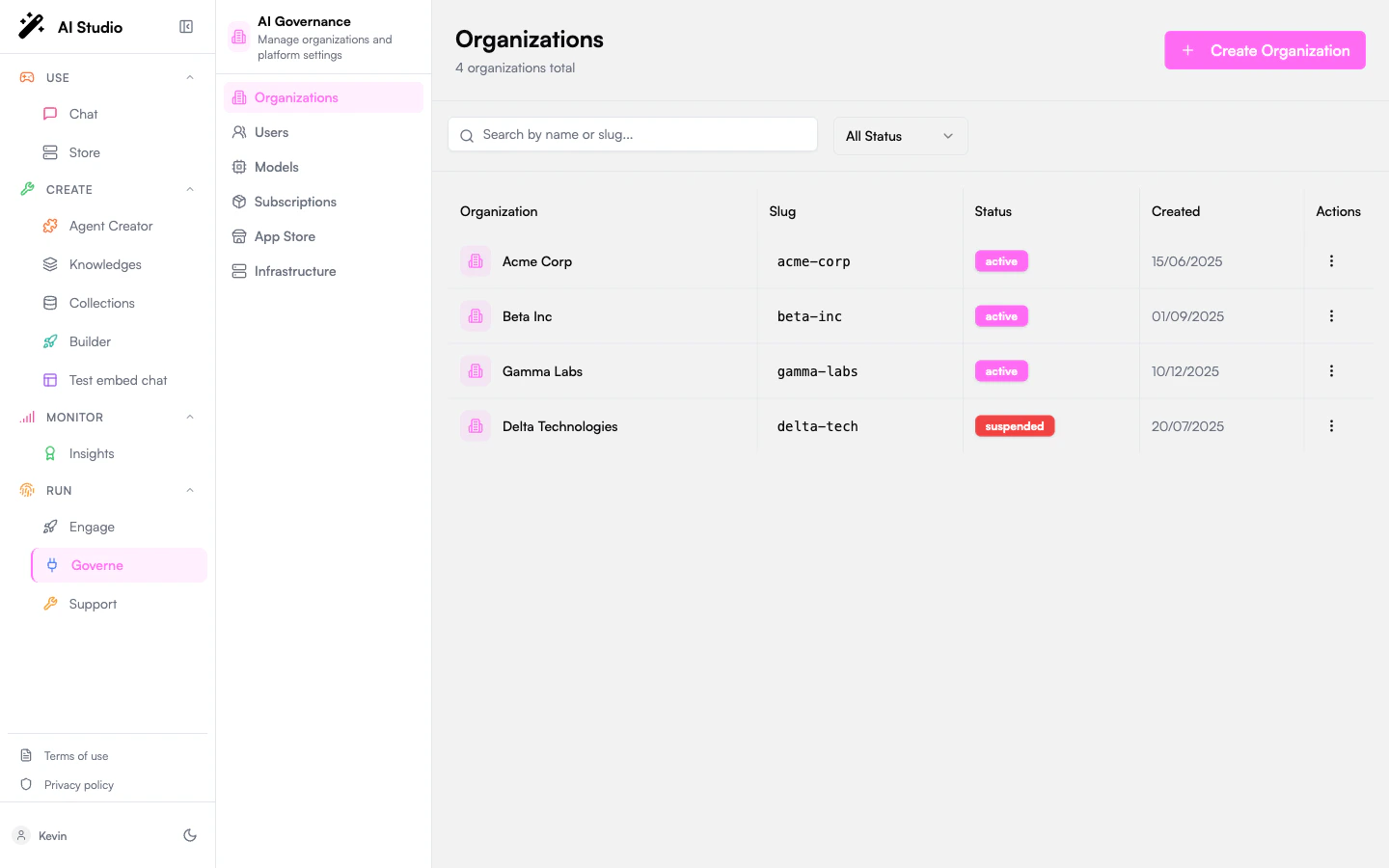
- Run - Operational products such as Engage, Governe, and Support
- User area - Access your profile, terms, privacy policy, and display mode
Product Navigation
Each Prisme.ai product has its own dedicated navigation and interface. Here’s a quick overview of how to navigate each product:- Chat
- Agent Creator
- Knowledges
- Builder
- Governe
- Insights
- Collections
- Engage
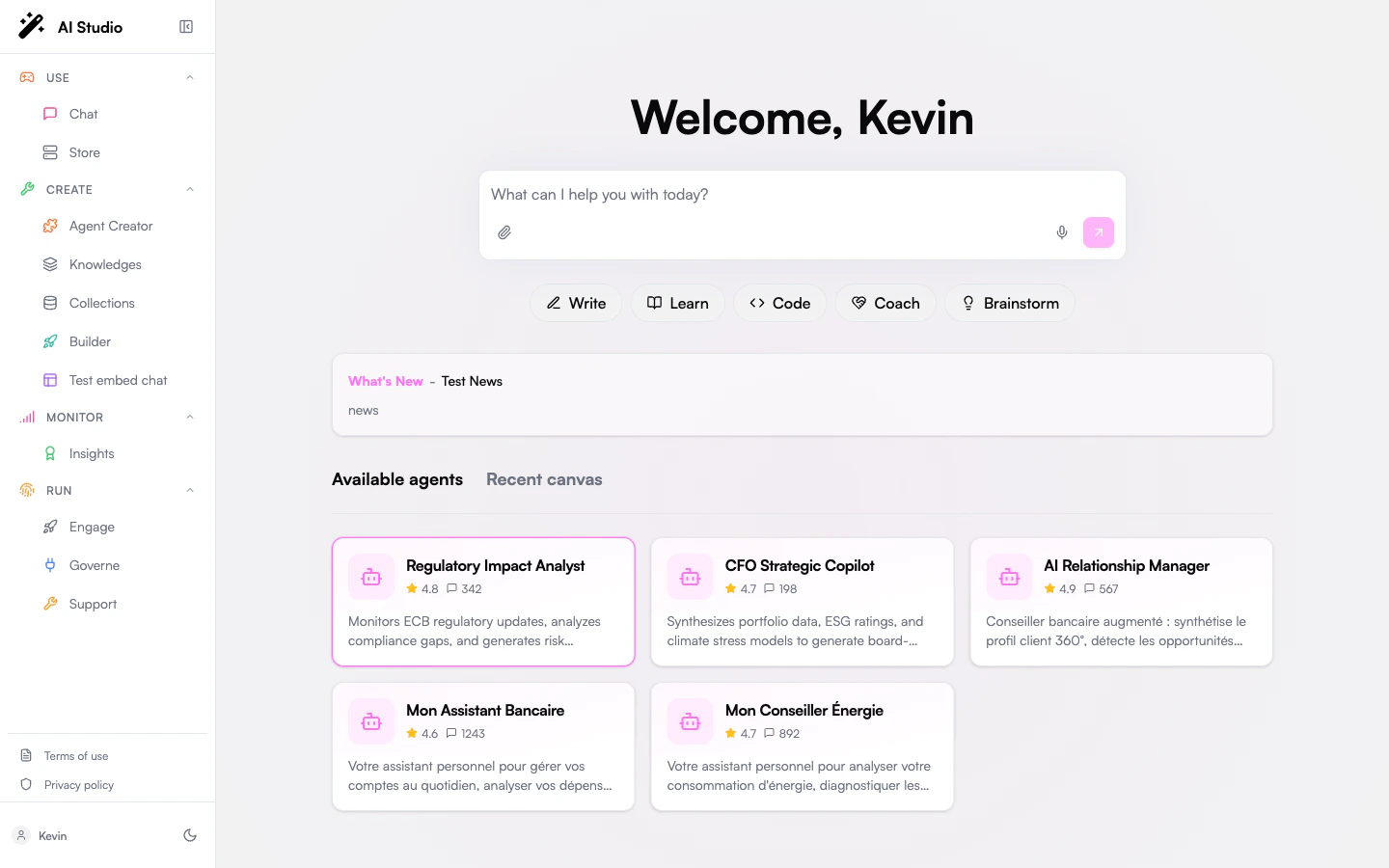
- Chat Interface - Main area for conversations
- Conversation History - Access previous chats
- Settings - Configure chat behavior
- Document Upload - Add documents to your conversation
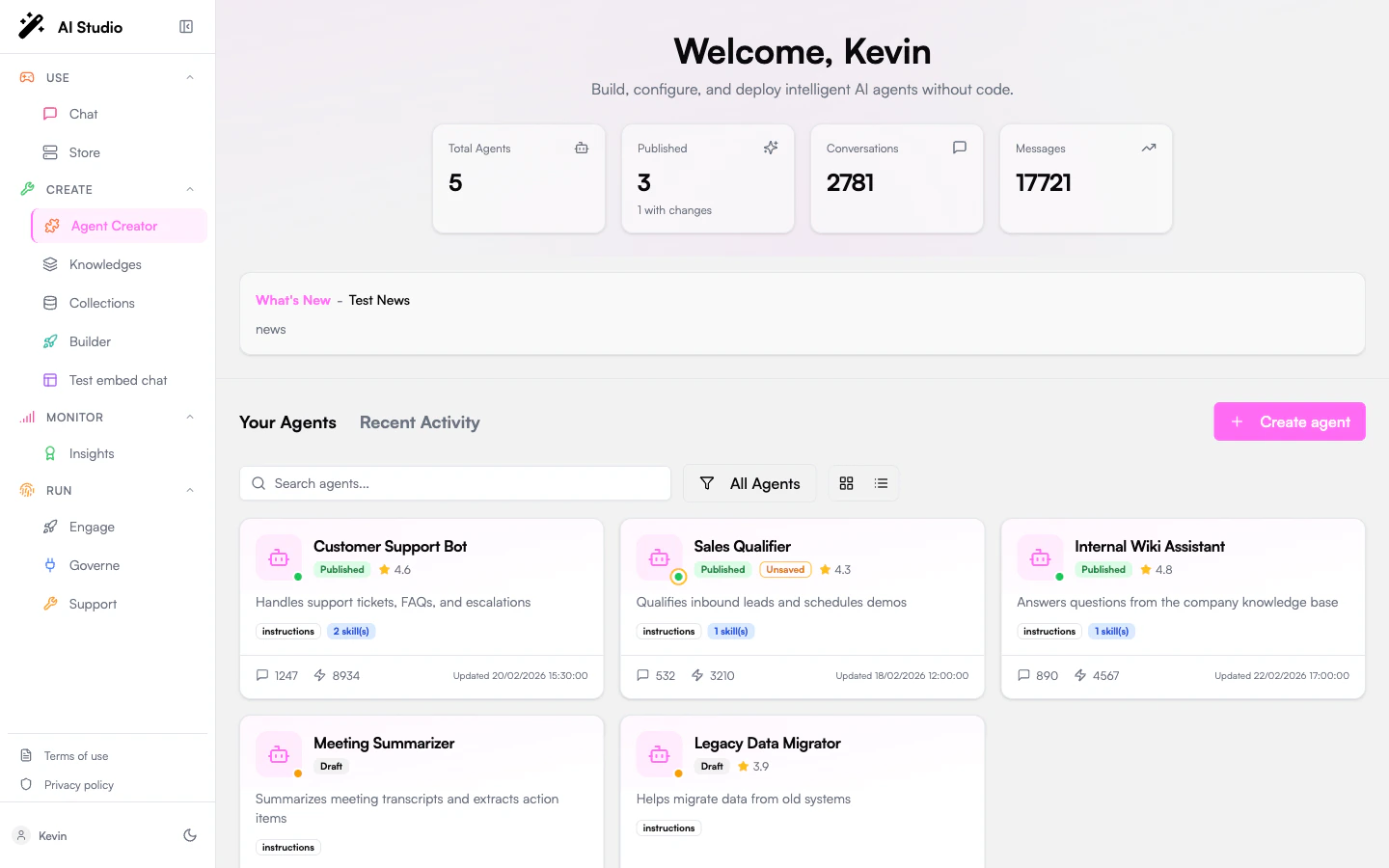
Add your own product to the menu
The products above are not a fixed list. Every workspace you publish gets a slug, and you can pin it to your organization’s menu, gated by permissions, so your custom apps sit right next to the built-in products.
Mobile Navigation
On smaller screens, the navigation adapts to a more compact format: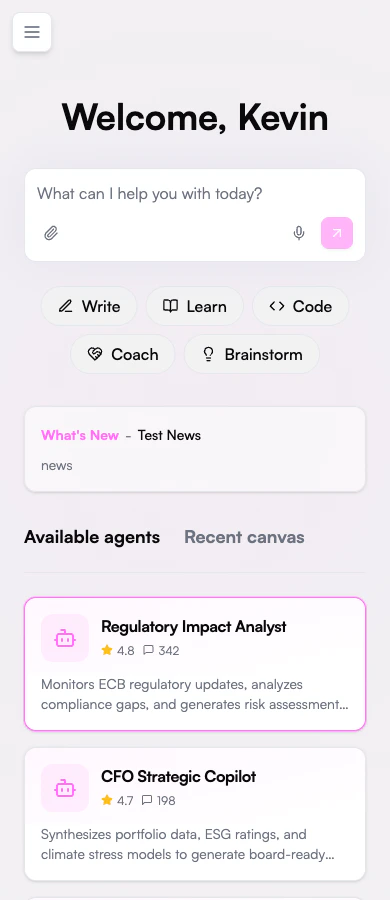
- Main menu collapses into a hamburger menu
- Product navigation appears at the bottom of the screen
- Some advanced features may be reorganized for better mobile access
Next Steps
Now that you understand how to navigate the Prisme.ai platform, you’re ready to explore its capabilities:Products Overview
Explore the Prisme.ai product suite in detail