Documentation Index
Fetch the complete documentation index at: https://docs.prisme.ai/llms.txt
Use this file to discover all available pages before exploring further.
Installation
Environment Variable
Before configuring helper agents, you must define theHELPER_AGENT_ENDPOINT environment variable on your instance. This URL should point to the query automation endpoint of the Helper Agents workspace:
XXXXXX with your actual Helper Agents workspace ID.
Workspace Setup
You should find a Workspace named Helper Agents. From Builder, enter into it. In Automations list, there is a folder named00_InitAgents with an
automation for each product. Each will create and update an Knowledges agent
which will have role to help the product. Run each one. You now have as many as
new agents in Knowledges home.
Then, you will have to configure each products in Governe. The automation
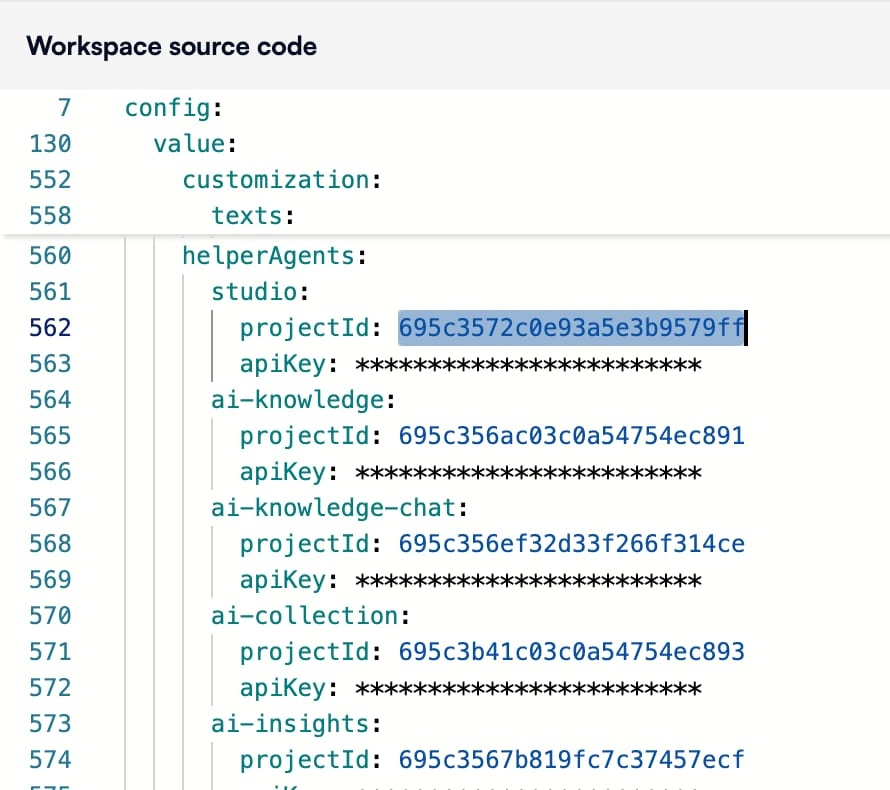
Generate Governe config from Helper Agents Workspace will give to you
the raw configuration for Governe. You can go to the products section
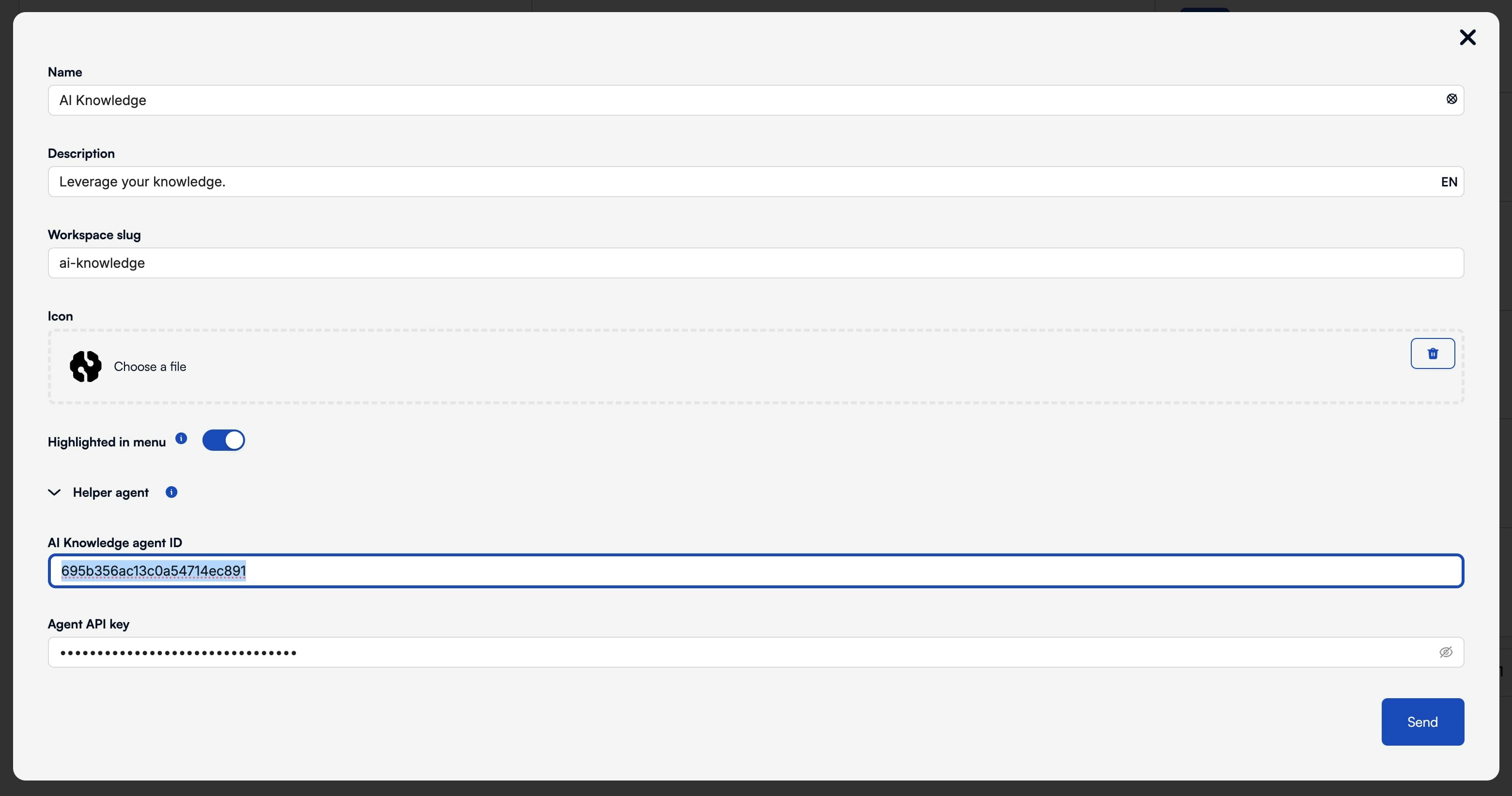
(STUDIO/en/product/ops-manager/products), edit each product and add the
corresponding ID and API Key from the previous automation.